
今天记录一个案例,帮客户采集时遇到CF CDN加速的图片,比如:https://cdnimages.gamesimgcdn.com/wp-content/uploads/2026/02/2-4.jpg,
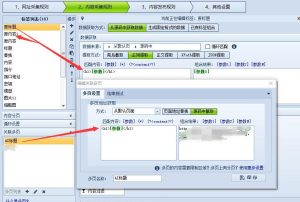
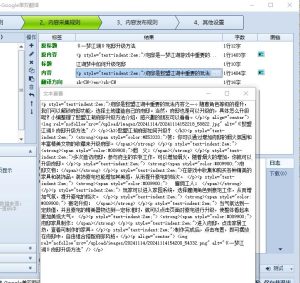
该类图片访问是正常的,用火车头抓取下载时,却是提示:没有探测到文件真实地址,
![图片[1]-抓取图片时如何绕过Cloudflare(CF进行CDN加速)验证?-SEO模板](https://www.seomoban.cn/wp-content/uploads/2026/02/cf001-300x206.jpg)
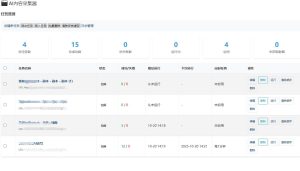
在本地电脑搭建的Wordpress站点,发布的文章中含有外链图片(比如:https://cdnimages.gamesimgcdn.com/wp-content/uploads/2026/02/3-1-3.jpg,https://cdnimages.gamesimgcdn.com/wp-content/uploads/2026/02/2-4.jpg),用 nicen-localize-image 本地化插件,可以正确的将图片本地化。
但是站点搬到服务器上(香港IP地址),用同样的方法试图本地化这类图片,却 提示失败,比如 本地化失败,https://cdnimages.gamesimgcdn.com/wp-content/uploads/2026/02/2-4.jpg图片链接无法访问!
根据GPT的建议,在 nicen-localize-image 的文件中的加入请求头:
curl_setopt($ch, CURLOPT_USERAGENT,
'Mozilla/5.0 (Windows NT 10.0; Win64; x64) AppleWebKit/537.36 (KHTML, like Gecko) Chrome/120.0.0.0 Safari/537.36'
);

curl_setopt($ch, CURLOPT_HTTPHEADER, [
'Referer: https://cdnimages.gamesimgcdn.com/'
]);
还是同样的错误,无法本地化图片。
解决方案:
Cloudflare Worker 中转
服务器 → 自己的 Worker(被 CF 信任)→ CDN 图片
永远信任自己的 Worker。
Worker 示例
export default {
  async fetch(request) {
    const url = new URL(request.url);
    const target = url.searchParams.get('url');
    if (!target) {
      return new Response('Missing url', { status: 400 });
    }
    return fetch(target, {
      headers: {
        'User-Agent': 'Mozilla/5.0',
        'Referer': 'https://cdnimages.gamesimgcdn.com/'
      }
    });
  }
}
部署后你访问:
https://your-worker.workers.dev/?url=真实图片URL
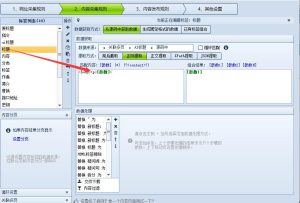
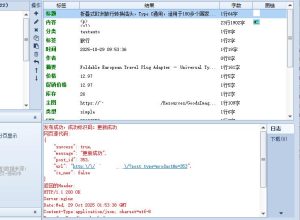
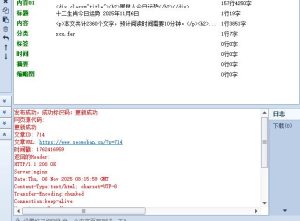
经测试,在火车头中替换图片链接,火车头中下载正常,wordpress站点用 nicen-localize-image 本地化正常。
© 版权声明
文章版权归作者所有,未经允许请勿转载。
THE END